
How Much Does a 3D Product Configurator Cost? A Practical Buyer's Guide
Understand what determines 3D product configurator cost, which implementation choices affect the budget, and how to compare proposals without buying the wrong system.
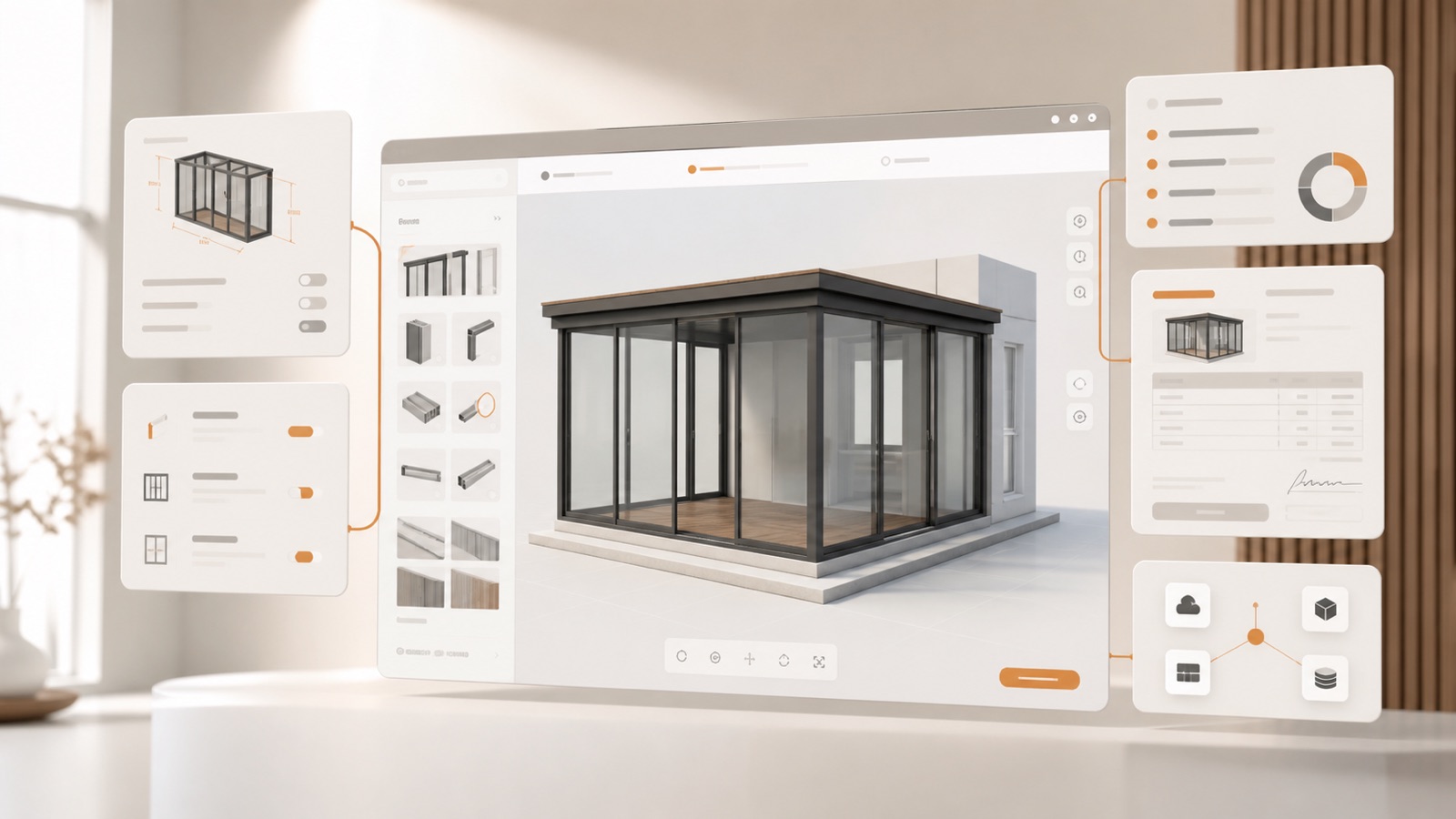
Table of contents
- What are you actually buying?
- The seven factors that drive configurator cost
- 1. Product range and model count
- 2. Configuration complexity
- 3. Pricing logic
- 4. 3D asset readiness
- 5. Outputs after configuration
- 6. Integrations
- 7. Brand, languages and market structure
- Common pricing models
- How long does implementation take?
- A simple ROI model
- Questions to ask every vendor
- What Configurix includes
- Frequently asked questions
- Is a 3D viewer the same as a product configurator?
- Can we start with one product?
- Do we need perfect CAD files before starting?
- Should pricing be shown publicly?
The cost of a 3D product configurator depends less on the number of screens and more on the product knowledge the software must encode. A simple colour customizer and a made-to-measure configure-price-quote system may both be called “configurators”, but they solve very different problems.
This guide explains the cost drivers, buying models and questions that matter when you are budgeting for a 3D configurator. It is written for manufacturers, dealers, installers, retailers and sales teams selling configurable or made-to-order products.
What are you actually buying?
A production-ready 3D product configurator combines several layers:
- an interactive visual model;
- rules that allow valid combinations and block invalid ones;
- dimensions, finishes, accessories and product families;
- live price calculations, discounts, taxes and installation costs;
- lead capture, branded quotes and project records;
- optional bill of materials, drawings or order data;
- connections to your website, CRM, ERP, e-commerce or dealer portal.
If a proposal covers only the visual layer, it may be inexpensive to start but still leave your team rebuilding every price and order in other tools. If the goal is to sell and deliver the configured product, evaluate the complete workflow rather than the 3D viewer alone.
The seven factors that drive configurator cost
1. Product range and model count
One product family with shared components is faster to model than several unrelated catalogues. The useful question is not simply “How many products?” Ask how many unique geometries, option groups and construction systems must be represented.
A door range may share panels, handles and glass across many models. A garden room range may use one parametric structure that changes width, depth and openings. Reuse can reduce implementation work if the configurator is designed around product logic instead of separate static models.
2. Configuration complexity
Rules determine whether a design can be sold. Examples include maximum spans, compatible motors, permitted gate widths, glazing restrictions, post positions and accessories that require another component.
Write down the decisions your most experienced salesperson or engineer makes before approving an order. That list is a better cost indicator than the number of colours in the catalogue.
3. Pricing logic
Basic projects may use fixed option prices. Made-to-measure products often require formulas based on dimensions, area, quantity, material, region, labour or dealer level. You may also need customer-specific price lists, taxes, installation zones, discounts and approval limits.
Ask vendors to demonstrate your hardest pricing example. A total that merely looks plausible is not enough; your team should be able to trace how it was calculated.
4. 3D asset readiness
Clean CAD or 3D source files can accelerate a project, but they are not automatically suitable for fast browser rendering. Models may need to be simplified, separated into configurable parts, assigned materials and prepared for parametric changes.
If you do not have usable source models, include asset creation in the scope. If you do, ask the vendor to inspect a representative sample before fixing the implementation plan.
5. Outputs after configuration
A lead form is simpler than an itemized branded quote. A quote is simpler than a production pack containing a bill of materials, labelled drawings and machine-readable order data.
Define every required output and who uses it. Useful examples are:
- customer proposal and product image;
- option schedule and dimension summary;
- bill of materials or cut list;
- dealer order sheet;
- CRM opportunity and follow-up task;
- ERP sales order or production payload.
6. Integrations
Website embedding is usually straightforward. Two-way synchronization with CRM, ERP, PIM, inventory or e-commerce systems needs field mapping, authentication, failure handling and testing.
The cleanest first release often starts with a reliable configuration and quote workflow, then adds deeper integrations after the product model is accepted. That reduces risk without creating a disposable prototype.
7. Brand, languages and market structure
White-label design, multiple languages, currencies, units, taxes, catalogues and dealer price levels affect scope. They are especially important when one central product team serves several countries or sales channels.
Do not treat translation as text replacement alone. Product names, measurements, documents, prices and legal wording may change by market.
Common pricing models
Configurator providers typically use one or more of these commercial models:
| Model | How it works | Check before buying |
|---|---|---|
| Implementation plus subscription | Initial product setup followed by a recurring platform fee | What updates and support are included? |
| Subscription tiers | Features, users, traffic or products determine the plan | What happens when usage grows? |
| Usage based | Charges follow sessions, renders, leads or quotes | Which action creates a billable event? |
| Custom project | A defined build is priced around a signed scope | Who owns maintenance and future changes? |
There is no universally best model. Compare total ownership cost over the period in which you expect to use the system, including updates, hosting, new products, languages and integrations.
How long does implementation take?
Timing follows the same complexity factors as cost. Configurix offers a Fast Launch route for focused projects that can usually go live in around seven days. A fully custom white-label build with several products, complex rules and integrations can take up to 30 days.
Those timelines depend on access to product data, decisions and review. A short schedule is valuable only when it produces a configuration your team can verify. Agree on acceptance examples before work begins: valid products, expected prices, documents and handoff data.
Learn more about the Configurix Fast Launch program and the custom CPQ implementation process.
A simple ROI model
Avoid generic promises. Build a baseline from your own operation.
- Count qualified enquiries per month.
- Measure average sales and engineering time spent on each quote.
- Record how many revisions require repricing or redrawing.
- Measure time from enquiry to first accurate proposal.
- Record preventable order corrections or production re-entry.
- Estimate the gross profit of one additional won project.
Then model the value of reducing manual work or winning additional projects. Keep conservative and expected scenarios separate. The configurator should earn its place through documented improvements, not a vendor’s unverified percentage.
Questions to ask every vendor
- Can you model our dimensions and compatibility rules, not only visual options?
- Can our team maintain prices and options after launch?
- Does the price update from the same configuration the customer sees?
- Can the system create a branded, itemized quote?
- Can one project continue into CRM, order or production workflows?
- How are languages, currencies and dealer price levels handled?
- What is included in implementation, hosting, support and future changes?
- How will we test calculations and approve the working system?
- What happens to our data and models if we change plans later?
What Configurix includes
Configurix combines browser-based 3D configuration, product rules, live pricing, branded quotes, structured lead capture and project handoff in one white-label system. It can be used by customers on a website, by a salesperson during a consultation, or across a dealer network.
The implementation is scoped around your catalogue and the outputs your team actually needs. That makes the commercial discussion concrete: product families, rules, prices, documents, integrations, languages and acceptance criteria.
Book a Configurix demo to review one of your products and receive a practical implementation scope.
Frequently asked questions
Is a 3D viewer the same as a product configurator?
No. A viewer displays a model. A product configurator also manages selectable options and, in more advanced systems, compatibility rules, dimensions, pricing, quotes and order data.
Can we start with one product?
Yes. A focused first product is often the best way to validate product logic, user experience and commercial outputs before expanding the catalogue.
Do we need perfect CAD files before starting?
No, but usable product references are required. CAD files, drawings, price lists, option tables and example quotes help the implementation team model the real system.
Should pricing be shown publicly?
That is a business decision. A configurator can display a live total, show a budget range, keep dealer pricing behind login, or calculate an internal quote without publishing the price on the website.
Ready to try Configurix?
See how the configurator, quoting and CRM work together for your business.
Book a demo →Related articles
Cotiza, firma y programa la instalación: 3D/AR al instante con Configurix
Cierra más ventas en la primera visita: paso a paso desde el configurador 3D/AR hasta la cotización PDF, firma digital y agenda de instalación compartida — todo en una sola plataforma.
Precios por zona y logística en configuradores 3D/AR: cotiza y agenda con precisión
Cómo diseñar e implementar tarifas por zona, recargos logísticos y ventanas de instalación dentro de un configurador 3D/AR para pérgolas, toldos y AC — reduciendo errores, evitando pérdidas y garantizando fecha de instalación.
Aprobaciones automáticas y descuentos desde un configurador 3D/AR: flujo completo
Cómo automatizar aprobaciones de descuentos y cerrar cotizaciones desde un configurador 3D/AR hasta firma y agenda de instalación — flujo práctico con PDF de marca, firma digital y calendario integrado.