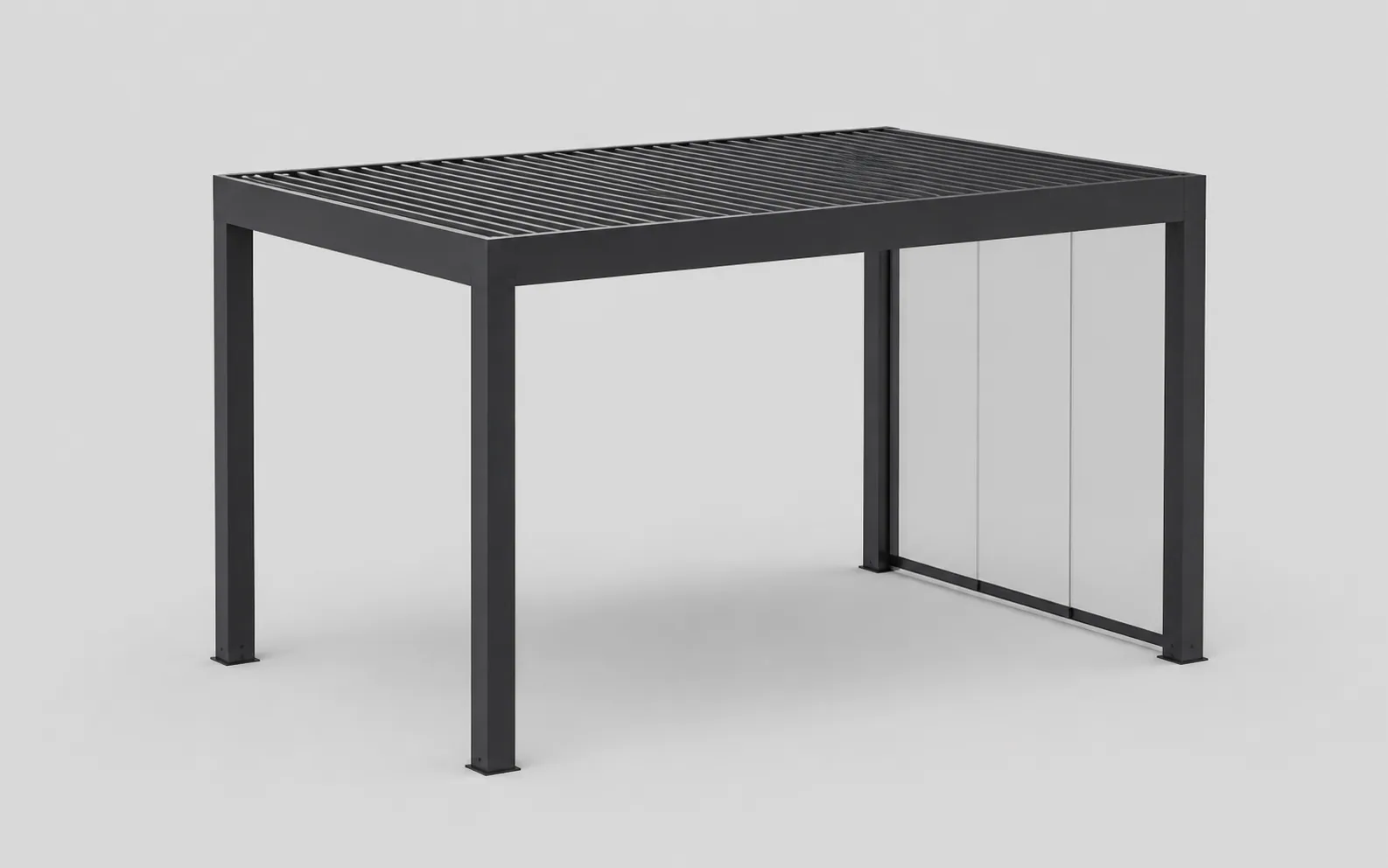
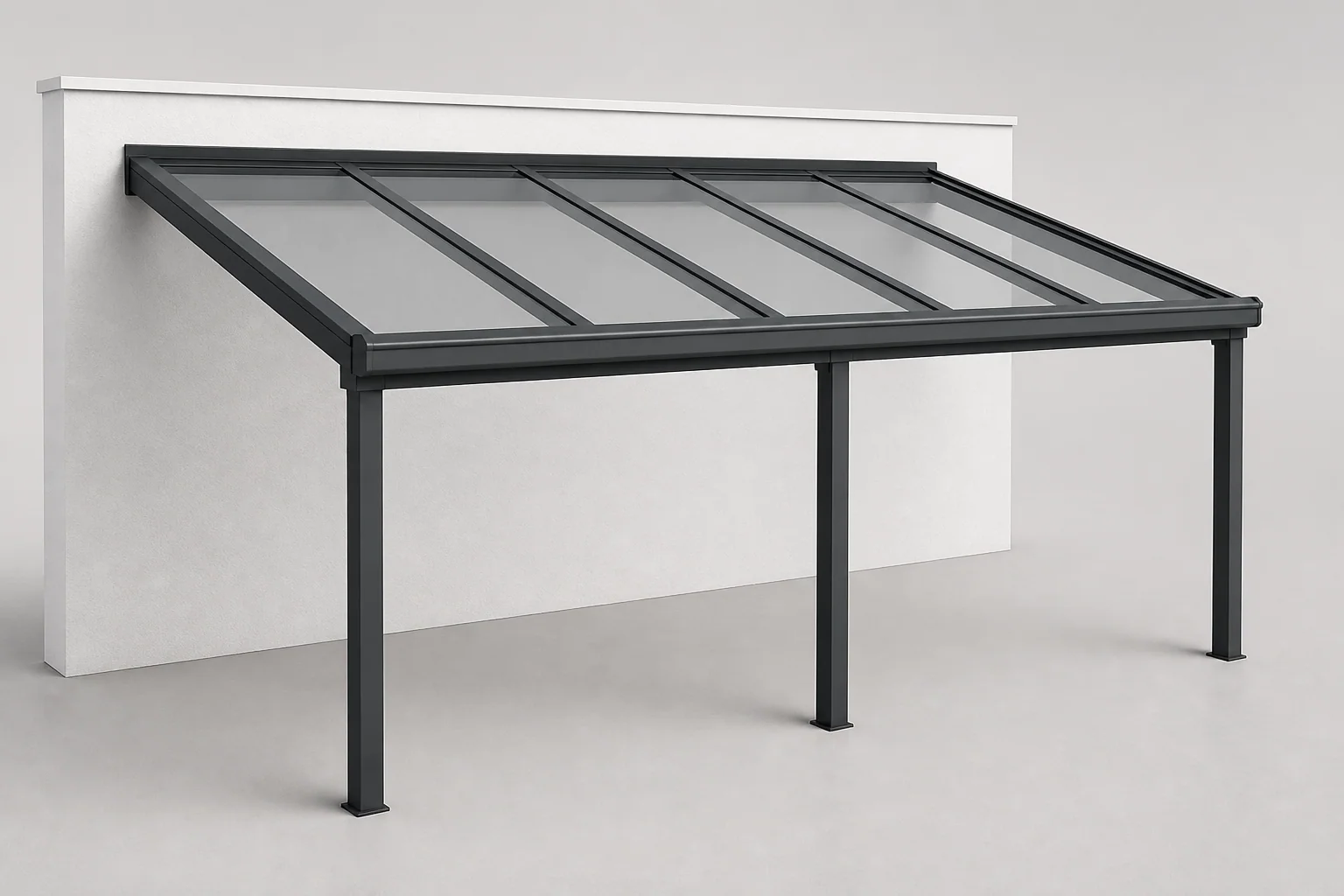
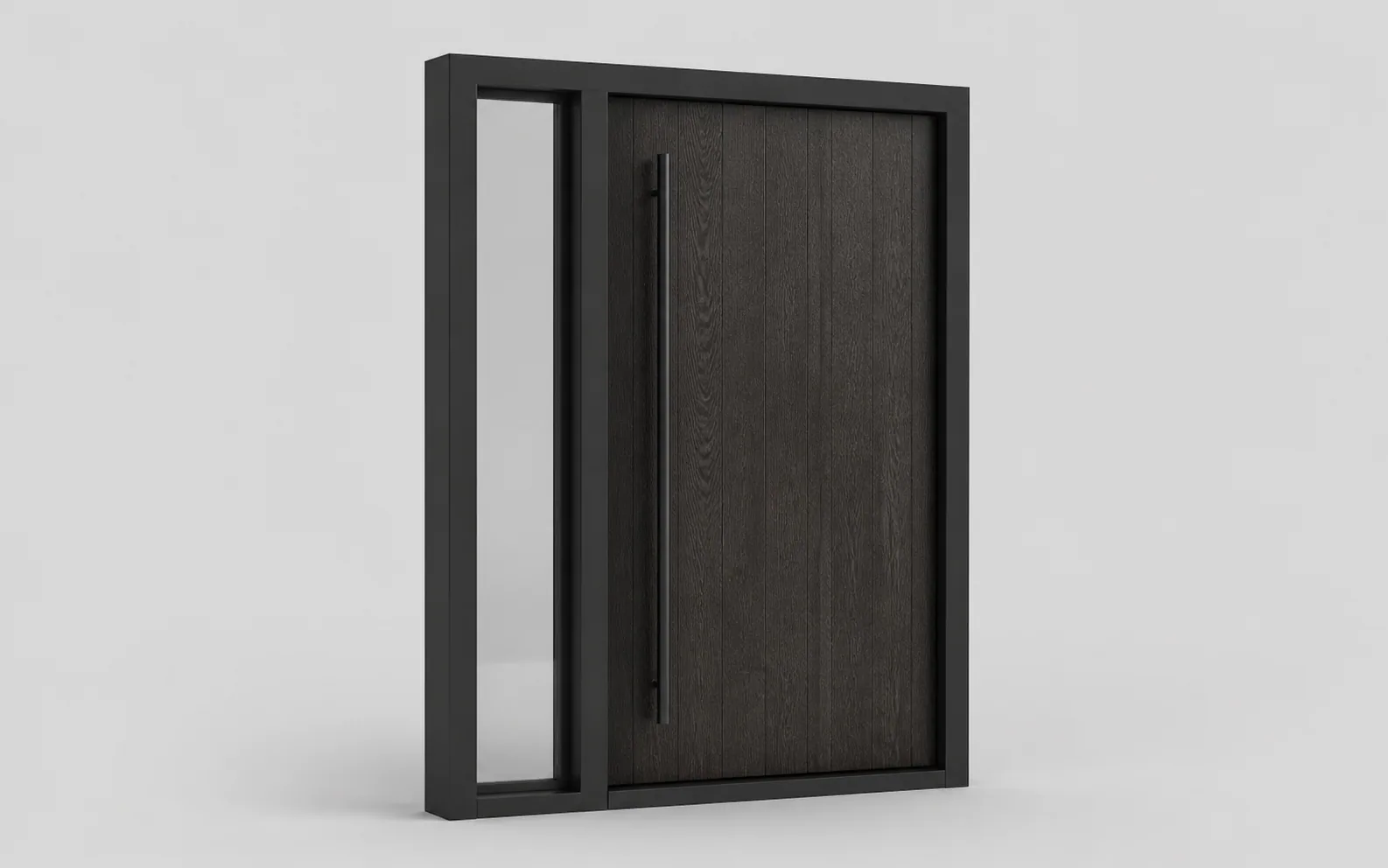
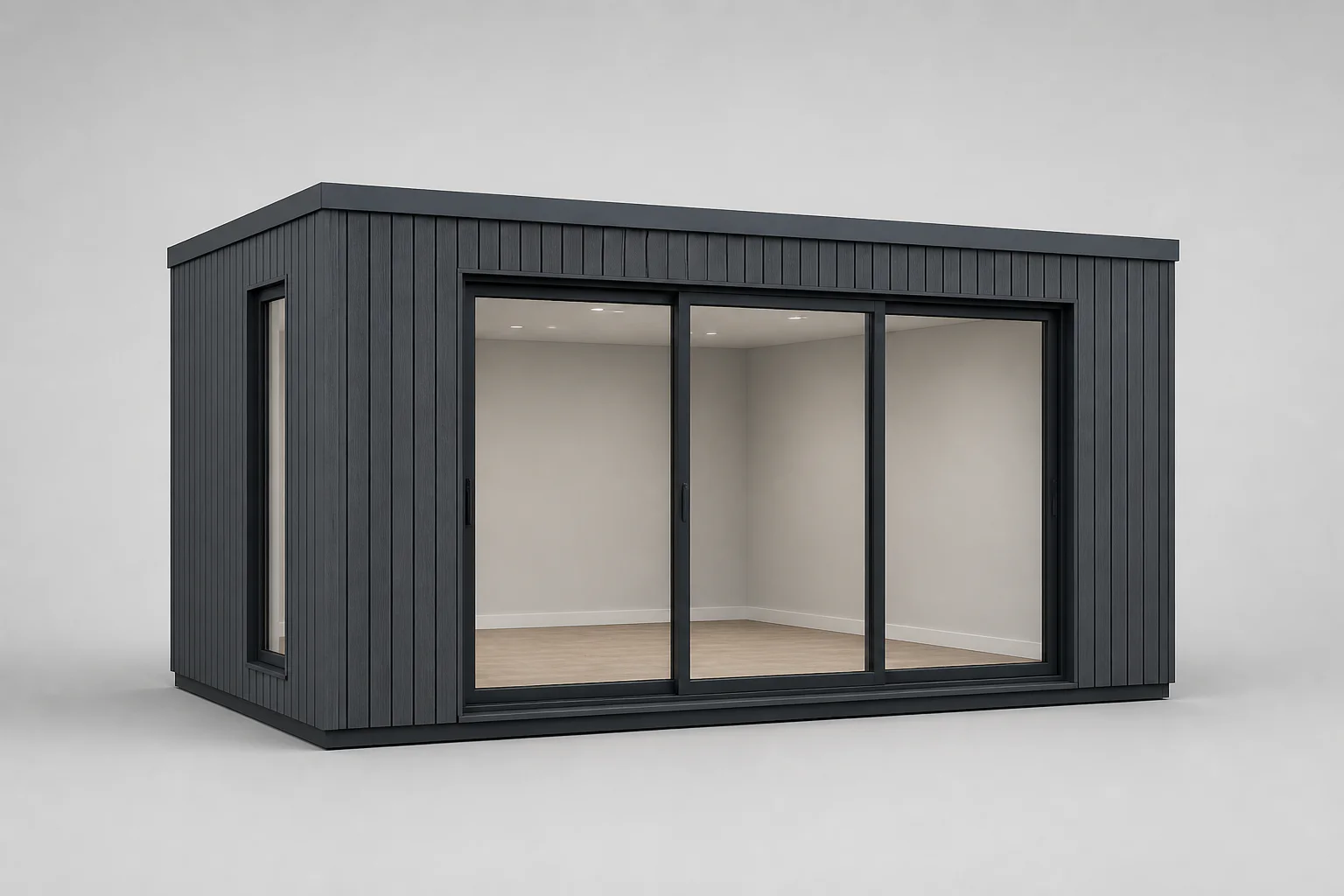
3D interactivo
Conecte la geometría, los componentes y los materiales a la configuración seleccionada para que el producto visible y la especificación estructurada cambien juntos.
Software de configuración de producto · Plataforma configuradora 3D
En Configurix nos especializamos en productos complejos, configurables y a medida. Desde puertas, pérgolas y cocinas hasta equipos industriales, creamos software adaptado a tu catálogo, precios, ventas y procesos de fábrica.
España · EUR
Catálogo, moneda y documentos para tu mercado.
El producto visible, sus opciones permitidas y el registro comercial comparten un ID de configuración.
Conecte la geometría, los componentes y los materiales a la configuración seleccionada para que el producto visible y la especificación estructurada cambien juntos.
Defina mínimos, máximos, dependencias, exclusiones, selecciones requeridas y condiciones de revisión para que los usuarios sean guiados hacia las variantes permitidas del producto.
Aplicar listas de precios, fórmulas, cantidades, instalación, impuestos, permisos de descuentos y reglas de mercado a las mismas selecciones que definen el producto.
Convierta una configuración guardada en una propuesta con su identidad de marca, el producto elegido, las condiciones comerciales, las imágenes y el siguiente paso para el cliente.
Mantenga conectados el contexto del cliente, el ID de configuración, las revisiones, el precio, los documentos y el pedido con alcance o la salida operativa después de la primera consulta.
Software a medida para productos complejos
Desarrollamos configuradores y software a medida para productos complejos, configurables y fabricados bajo pedido. Adaptamos la experiencia de compra y los procesos comerciales y de fabricación a su catálogo y a su empresa.
Guarde la selección, las medidas y las opciones junto con cada consulta. Clasifique el proyecto según sus requisitos y preparación comercial y asigne el seguimiento a la persona adecuada.
Nueva consulta
Producto configurado
Producto adecuadoCualificado
Producto configurado
RequisitosPropuesta
Producto configurado
Siguiente pasoContinúe desde la configuración hasta una consulta comercial, revisión técnica, toma de medidas o cita de instalación. Conecte responsables, calendarios y recordatorios con el mismo proyecto.
Relacione las opciones con referencias, materiales, cantidades y longitudes de corte. Definimos la lista comercial o de fabricación, sus revisiones y las comprobaciones necesarias para sus productos.
| Componente | Cantidad |
|---|---|
| FRM-01Conjunto de bastidor | 1 |
| PNL-02Juego de paneles | 1 |
| KIT-03Kit de herrajes | 1 |
Vinculado a sus códigos de producto
Aplique fórmulas, tarifas, márgenes y autorizaciones propios. Prepare presupuestos con la configuración guardada, imágenes, condiciones y un paso claro de aprobación del cliente.
Revisión del presupuesto
Convierta las selecciones aceptadas en líneas de pedido y trabajos asignados. Mantenga las revisiones, documentos, autorizaciones y entregas vinculados a la misma especificación.
Conecte pedidos aceptados con anticipos, borradores de factura y condiciones de pago. Acordamos qué sistema emite la factura y cómo vuelven las referencias y los pagos confirmados al proyecto.
Producto configurado
Integre el configurador en su web o en un portal comercial a medida. Conecte CRM, ERP, PIM, comercio electrónico, calendarios y contabilidad mediante APIs disponibles, webhooks o importaciones acordadas. Definimos los datos, permisos y responsabilidades con su equipo.
Elija los procesos que necesita su implementación. Los desarrollamos y validamos con sus productos, documentos y sistemas de destino.
Planificar mi configuradorA quién sirve
Configurix se puede adaptar a la empresa propietaria del producto, al socio que lo vende y al equipo que lo mide, cotiza o instala.
Para fabricantesControle cómo se representa una gama configurable en ventas directas, sitios web, salas de exposición y redes de distribuidores. Las reglas del producto y los datos comerciales aprobados pueden permanecer consistentes mientras la presentación varía según la audiencia o el mercado.
Ofrezca a los socios de canal una forma guiada de seleccionar productos válidos, utilizar el catálogo y la lista de precios correctos, guardar proyectos de clientes y solicitar o generar los documentos permitidos para su cuenta.
Agregue una configuración visual del producto al recorrido del sitio web sin reducir productos complejos a una lista plana de variantes. Los clientes pueden explorar opciones significativas y continuar con acciones de compra o solicitud de cotización.
Capture las medidas, opciones, condiciones de la obra y decisiones del cliente necesarias para un proyecto a medida, y continúe con el levantamiento in situ, la propuesta, la planificación y el traspaso a instalación.
Categorías de productos configurables
La interfaz puede parecer consistente mientras cada catálogo mantiene sus propias dimensiones, estructuras, opciones, precios y datos posteriores.
Viaje conectado
Los pasos pueden aparecer como autoservicio, venta guiada o un flujo de trabajo interno. El registro del producto sigue siendo reconocible a medida que la responsabilidad pasa de una persona o sistema a otro.
Dimensiones, componentes, materiales y accesorios se actualizan dentro de las reglas permitidas. El usuario recibe comentarios inmediatos cuando se requiere otra selección, no está disponible o es solo para revisión.
La geometría y los materiales responden a datos de configuración significativos. Los recorridos en computadoras de escritorio, tabletas y dispositivos móviles pueden presentar controles de manera diferente, preservando al mismo tiempo la misma lógica de producto gobernada.
La configuración puede generar un precio visible, un rango de precios, un cálculo del distribuidor o una revisión interna. El comportamiento del precio sigue las listas, fórmulas, permisos y reglas de aprobación implementadas.
El producto seleccionado, el contexto del cliente, las imágenes y el cálculo forman un proyecto reutilizable. La propuesta comercial o solicitud de presupuesto continúa desde ese registro sin volver a empezar.
Los campos definidos pueden continuar con CRM, ERP, comercio electrónico, procesamiento de pedidos, programación o producción. Cada salida tiene un alcance y se prueba por separado del modelo visual.
Implementación
La primera versión debe conectar un alcance de producto útil desde la selección hasta el siguiente sistema acordado. Agregar cada catálogo antes de que funcione un camino completo crea profundidad sin pruebas.
Mapee productos representativos, casos extremos, entradas de precios, documentos, usuarios y sistemas posteriores antes de elegir el primer límite de lanzamiento.
Traduzca el conocimiento del catálogo en familias estructuradas, dimensiones, componentes, dependencias y lógica comercial con propietarios designados para decisiones no resueltas.
Conecte la configuración guardada con el cliente, cotización, aprobación, CRM, ERP, pedido o transferencia operativa acordados en lugar de tratar la vista 3D como una página independiente.
Pruebe configuraciones representativas, mínimas, máximas, incompatibles y comercialmente sensibles. La precisión visual, el cálculo del precio y cada salida reciben una evidencia de aceptación por separado.
El alcance determina las familias de productos, los roles, los documentos, las integraciones y las salidas que se implementarán. Confirmamos el plazo y las condiciones comerciales tras revisar un producto representativo y los materiales disponibles.
Preguntas frecuentes sobre el configurador de productos
Trae un producto representativo
Somos especialistas en productos complejos. Explore un configurador 3D y software a medida para ventas, distribuidores y fábrica: desde las opciones y los presupuestos hasta el CRM, los materiales y los pedidos.